
The short answer
First check whether the items are genuine file duplicates. Files by Google has a duplicate-file cleanup tool; keep the file marked Original. Similar-looking photographs require a visual choice. A cloud copy and a device copy are not automatically unnecessary duplicates.
Seeing a photo twice does not prove there are two files
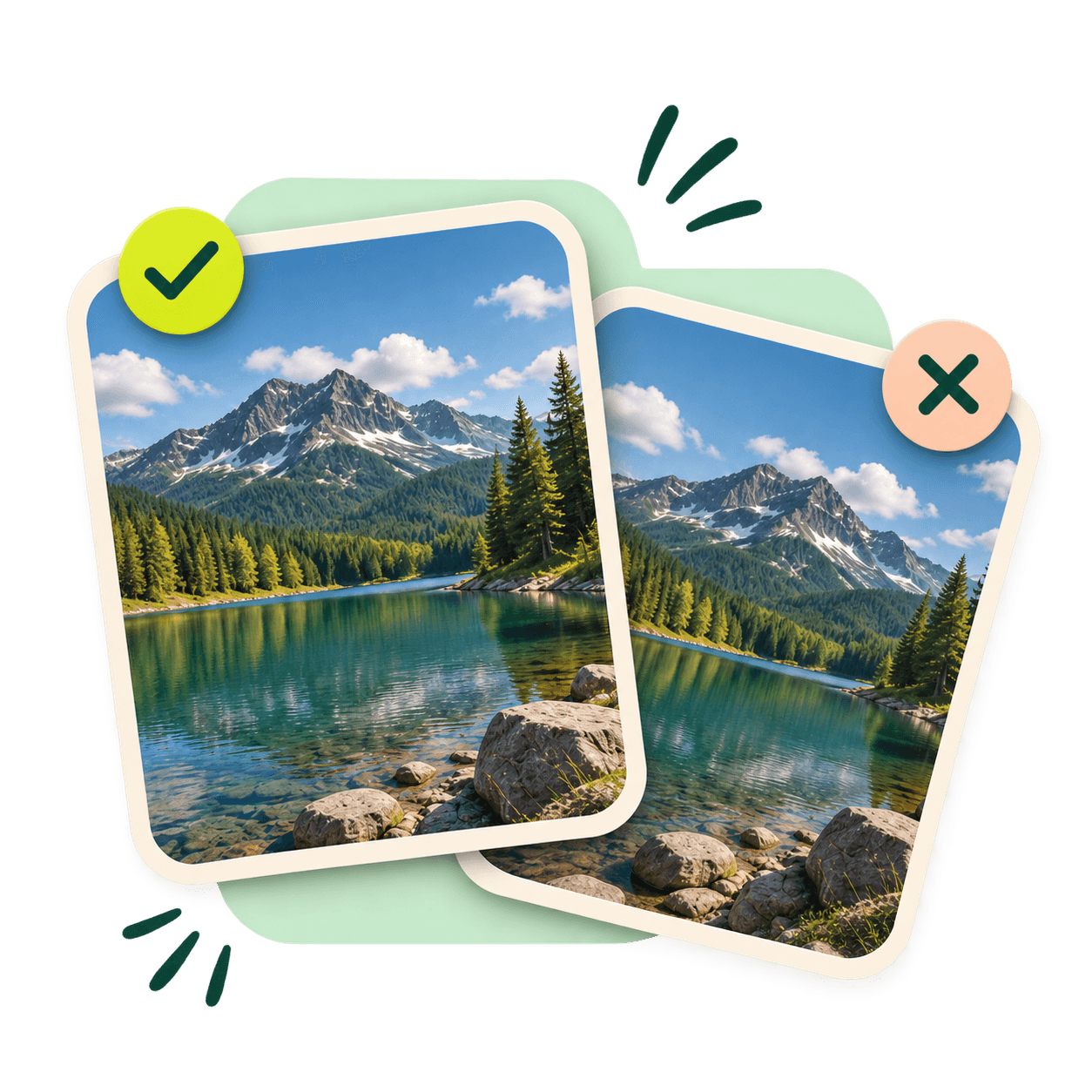
Two pictures can look the same while being different shots: an edited version, a crop or a photograph from a burst. Decide whether you want to remove identical files or choose between different memories.
Also distinguish a file from an app view. Seeing a picture in your gallery and Google Photos does not prove it takes up device space twice. Check file details instead of relying only on thumbnail counts.
Review duplicate files with Files by Google
Google documents a dedicated duplicate-file card. Menu labels can vary by app version. Review the selected copies before moving anything to the bin, keeping the original when uncertain.
- Open Files by Google and its Clean area.
- Choose files in the Duplicate files card.
- Keep the file marked Original and review the extra copies.
- Move only the confirmed unnecessary files to the bin.
Deleting photos and freeing device space are different tasks
If you only need more local space, the option to free device storage after a completed backup is different from deleting pictures from the library. Check that backup has finished and whether you still need offline access.
The dedicated space-saving function removes backed-up local copies. These can then be unavailable in your normal gallery or offline. A blanket instruction to delete everything in Google Photos would not solve the same task safely.
Similar photos need a decision about their content
Compare focus, expressions and framing. Choose favourites before selecting the rest. For a group photograph, the sharpest image is not always the one with the most personal value.
Check your selection once more before permanent removal. A bin is a recovery option, not an independent backup. If you may need a picture later, establish where the remaining copy is stored first.
Where Swipelet can help
Swipelet is another way to compare identical photo files and review a gallery by swiping. It is worth considering if you want to decide what stays yourself. For a single duplicate file, Files by Google may already be sufficient.
Explore Swipelet and the workflowSources and further reading
Menu labels and features can vary by device, operating system and app version. Sources were reviewed on the date shown above.